



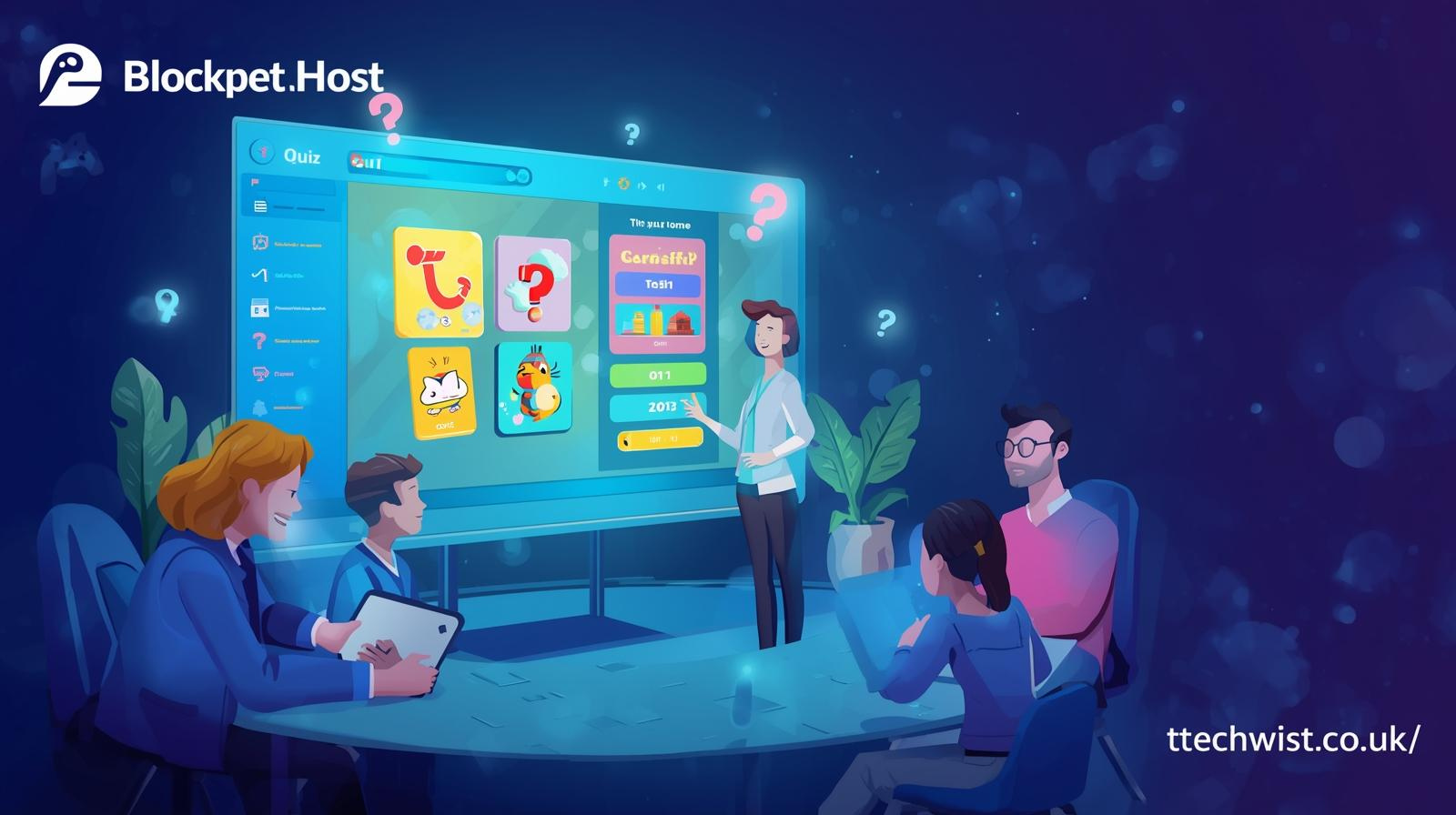
Blooket has emerged as one of the most dynamic and popular online learning platforms in recent years. By combining interactive games with educational content, Blooket allows teachers, students, and learning communities to engage in learning experiences that are both fun and meaningful. Central to this platform is the role of a Blooket host, the person who creates, manages, and directs the game session. Whether you are a teacher seeking to make lessons more interactive or a student exploring game-based learning, understanding how to host a Blooket game effectively is crucial for maximizing engagement and learning outcomes.
A Blooket host is not just someone who starts a game; they are the facilitator who decides which content to use, how players will interact, and how the game will unfold. Hosting enables educators to create a controlled learning environment, tailor experiences for different age groups, and encourage participation in a structured but entertaining manner. With Blooket’s variety of game modes, hosts have the flexibility to choose experiences that align with their educational goals, from quick quizzes that reinforce memorization to strategy-driven games that challenge critical thinking.
Understanding Blooket and Its Hosting Features
Blooket is more than just an online quiz tool. It integrates elements of gaming, competition, and strategy into educational content, making learning more immersive. Each game session hosted on Blooket involves players answering questions while navigating interactive mechanics such as collecting points, upgrading characters, or competing in real-time challenges. The host’s role is pivotal in orchestrating these interactions to ensure the session remains engaging, educational, and fair.
Hosting on Blooket begins with selecting or creating a set of questions. These can range from multiple-choice quizzes to more advanced question formats that test comprehension, problem-solving, or even applied knowledge. The host chooses a game mode that dictates how players engage with the questions. From fast-paced modes like Tower Defense to strategy-heavy modes such as Gold Quest, each option provides a unique dynamic, allowing the host to shape the session according to learning objectives.
In addition to game modes, Blooket hosts have control over settings like time limits, player visibility, and answer tracking. These features enable a host to adapt games to the learning environment, whether it is a small classroom, a virtual session, or a larger community event. A well-prepared host ensures smooth gameplay, minimizes confusion, and fosters a learning atmosphere that motivates players to participate actively.
Setting Up Your Blooket Host Account
To begin hosting, the first step is creating a Blooket account. Signing up is straightforward: users can register with an email address and secure password, gaining access to the dashboard where all game creation and hosting tools reside. Once logged in, the dashboard provides access to existing question sets, the ability to create custom sets, and options to manage previously hosted sessions.
The dashboard also offers a library of pre-made content designed by educators and community members. This library is invaluable for new hosts or those seeking inspiration for lesson planning. Hosts can filter question sets by subject, grade level, or difficulty, allowing for highly targeted learning experiences. Moreover, Blooket offers premium features through Blooket Plus, including analytics tools, enhanced game modes, and larger player limits, which are particularly useful for large classrooms or online events.
Security and account management are also critical. Ensuring your login credentials are protected, regularly updating your password, and familiarizing yourself with account settings can prevent interruptions during a game session. Preparing your account in advance creates a professional and reliable hosting experience, which is essential for maintaining trust among participants.
How to Host a Blooket Game
Hosting a Blooket game is designed to be intuitive but requires careful preparation for the best results. First, select a question set from your dashboard or the library. Review the questions to ensure they match the learning objectives and are appropriate for your audience. Clarity and relevance in question design are critical, as confusing or poorly phrased questions can reduce engagement and learning effectiveness.
After selecting a set, click the Host button. You will then be prompted to select a game mode. Options such as Battle Royale, Cafe, Tower Defense, and Factory each offer different gameplay mechanics, from elimination-style competition to resource management challenges. Choosing a mode that aligns with both the content and your audience’s engagement level is key to maintaining interest throughout the session.
Next, configure the game settings. The host can adjust time limits, enable or disable late entries, and determine how scores are displayed. Once configured, click Host Now to generate a unique Game ID or invite link, which participants use to join. The host monitors the game in real-time, provides instructions, and ensures rules are followed. Effective hosting also involves adapting to unexpected issues, such as technical glitches or gameplay questions, to keep the experience smooth and enjoyable.
Choosing the Right Game Modes
Blooket’s strength lies in its variety of game modes. Each mode provides unique dynamics that influence player engagement and learning. For example, Gold Quest encourages strategy and long-term planning, while Battle Royale is fast-paced and competitive, testing quick thinking and recall. Choosing the right mode is essential to match your educational goals and the needs of your learners.
Younger students may benefit from simpler, high-energy modes that reward participation and speed, whereas older learners might find strategic modes more intellectually stimulating. Some modes emphasize collaboration or team play, which can be particularly useful for promoting social learning and group problem-solving skills. Hosts can experiment with different modes over time to keep content fresh and cater to diverse learning preferences.
Additionally, game modes influence classroom management. Competitive modes often increase excitement but may require stronger monitoring to maintain focus, whereas cooperative modes can encourage teamwork and discussion. By thoughtfully selecting the game mode, hosts can balance engagement, educational value, and classroom dynamics effectively.
Tips for Engaging Blooket Hosting
Being an effective Blooket host involves blooket hostblooket host more than technical knowledge. Preparation, communication, and monitoring play equally important roles. A high-quality question set ensures that participants are challenged appropriately and remain focused on the learning objectives. Clarity in instructions helps players understand rules, preventing confusion and frustration.
Encouraging participation is another key aspect of effective hosting. Some learners may be hesitant or shy, so a host can use positive reinforcement, brief recaps, or guided hints to keep everyone involved. Monitoring the pace of the game and offering commentary when necessary helps sustain engagement and ensures that the learning experience remains meaningful.
After the session, reviewing performance data blooket host can provide insights into which areas learners excelled in and where additional support may be needed. This data-driven approach allows hosts to adjust future sessions, ensuring continuous improvement in learning outcomes. Thoughtful reflection and analysis help maintain credibility and authority as an educational facilitator.
Common Challenges in Blooket Hosting
Hosting is generally straightforward, but certain challenges can arise. Technical issues, such as unstable internet connections, are among the most common and can disrupt gameplay. Ensuring a reliable connection and sharing instructions clearly can prevent most of these problems. Additionally, miscommunication regarding how to join the game, using the Game ID, can cause delays or confusion.
Another frequent challenge is selecting blooket host inappropriate zblooket host question sets or game modes for the audience. Too difficult or overly simple content can reduce engagement. Piloting question sets or gathering feedback from participants can help hosts adjust difficulty and pacing appropriately. These strategies help maintain player interest and ensure the learning experience is effective.
Hosts also need to manage time effectively. Some games may take longer than expected, which can lead to fatigue or disengagement. Planning session length, including breaks, and pacing questions strategically helps maintain a positive learning environment. Preparation, monitoring, and adaptability are critical skills for successful hosting.
Ensuring Safety and Fair Play
Blooket hosts havev a responsibility to maintain a safe and fair learning environment. All players should be encouraged to participate honestly, and hosts should actively discourage cheating or use of unofficial hacks. Third-party hacks can compromise the integrity of the game, disrupt fairness, and potentially violate platform guidelines. Promoting official blooket host game mechanics ensures that learning remains the focus.
Monitoring player interactions is also important. Respectful communication and positive reinforcement contribute to a productive environment. Hosts should set clear expectations for behavior, intervene if conflicts arise, and encourage collaborative problem-solving when appropriate. Creating a safe and respectful atmosphere strengthens trust and encourages ongoing blooket host engagement blooket host from participants.
Advanced Hosting Techniques
Experienced Blooket hosts often use advanced techniques to enhance gameplay and learning outcomes. Customizing questions with multimedia elements blooket host such as images or audio clips can make content more engaging and relevant. Hostsv can also combine multiple question sets to create longer, thematic sessions that maintain player interest over extended periods.
Another advanced strategy is to analyze player performance and adapt gameplay dynamically. Adjusting difficulty, offering bonus rounds, or introducing new modes based on observed behavior helps keep the session challenging and exciting. These techniques demonstrate expertise and professionalism, enhancing the host’s credibility and authority while creating an immersive, effective learning experience.
Read more:https://techwist.co.uk/
Conclusion: Mastering Blooket Hosting
Hosting a Blooket game is both an art and a blooket host science. It requires careful preparation, a deep understanding of content, and the ability to manage interactive gameplay effectively. From setting up your account and selecting appropriate game modes to crafting high-quality questions and monitoring player engagement, every decision influences the learning experience.
By focusing on clarity, engagement, and fairness, blooket host hosts can transform traditional lessons into interactive experiences that motivate and inspire learners. Mastering Blooket hosting equips educators and facilitators with a powerful tool for enhancing understanding, reinforcing knowledge, and creating memorable educational moments. With preparation, creativity, and attention to detail, hosting Blooket games becomes an effective strategy for blending learning with play, making education both enjoyable and impactful